Discovery, user journeys, wireframes, interactive prototypes and full UI design for iOS and Android apps.
Changing a screen in a prototype takes an hour. Changing it after launch takes a sprint, a release and a store review. Design is where app budgets are saved.
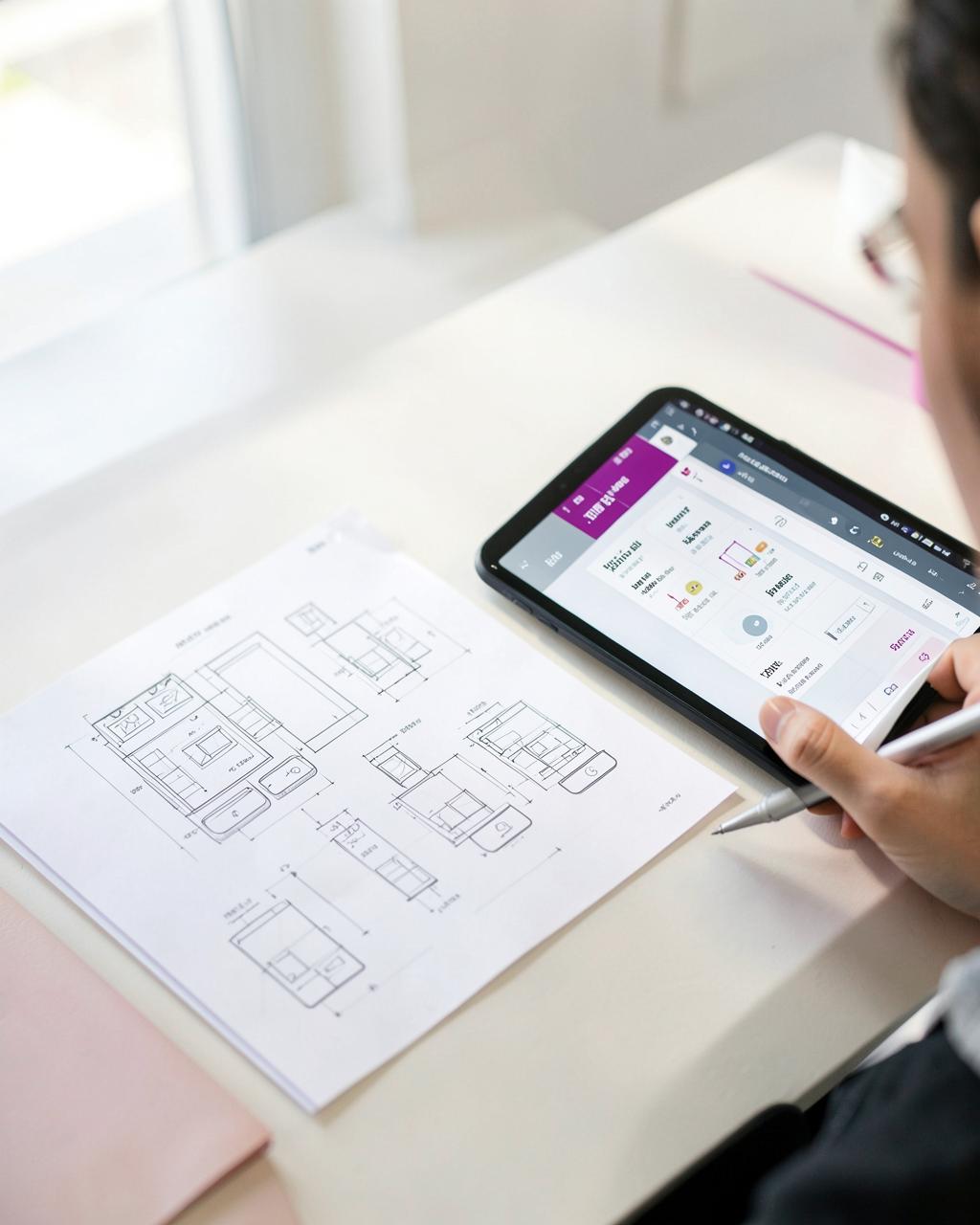
Image: AI Generated
App UX design defines what an app does and how people move through it; UI design defines how it looks. Both are completed before engineering because changing a screen in a prototype costs hours, while changing it after launch costs a development sprint, a new release and another store review. Design is the cheapest place to be wrong.
| Typical duration | 3–6 weeks for an MVP, running before or alongside early engineering setup. |
|---|---|
| Deliverables | User journeys, wireframes, full UI screens, a component-based design system and a clickable prototype. |
| Tooling | Figma for design, prototyping and engineering handover. |
| Testing | Moderated usability sessions with people from your actual audience. |
| Standards followed | Apple Human Interface Guidelines, Material Design, and WCAG-aligned accessibility. |
| Ownership | You keep the Figma files, design system and all source assets. |
App UX design is the work of deciding what the app does, in what order, and how a real person moves through it. App UI design is how that looks and feels on the device.
We run it as a defined stage before engineering: user and stakeholder research, journey mapping, information architecture, wireframes, then a clickable prototype you can put in front of actual customers.
The prototype is the deliverable that de-risks everything after it. Scope arguments, feature creep and 'that's not what I pictured' all happen there, at prototype cost, instead of in the build.
Every engagement is built around measurable commercial impact — from revenue and leads to retention, efficiency and operational scale.
Stakeholder workshops, user interviews and a clear statement of who the app is for and why they'd open it twice.
Every task mapped end to end, including the empty, error and offline states most designs forget.
Low-fidelity structure first, then a clickable Figma prototype that behaves like the real app.
Full visual design with a reusable component library that maps directly to what engineers build.
Contrast, touch targets, dynamic type and screen-reader support, following iOS and Material conventions.
Prototype tested with real users, with findings turned into changes before the build begins.
You want to test the concept with users and investors before committing to a full build.
A requirements document that needs turning into something people can actually use.
Downloads happen, retention doesn't — usually an onboarding and journey problem, not a code problem.
Staff apps that get worked around because the workflow was designed for the database, not the person.
Workshops, user interviews and a defined problem, audience and success measure.
Task flows and low-fidelity screens agreed before any visual design.
Full visual design and a component-based design system across all states.
Clickable prototype tested with real users; changes made while they're still cheap.
Specs, components and assets handed to engineering — ours or yours.
Tell us what the app needs to do and we'll come back with a scoped feature list, a realistic timeline to App Store and Google Play approval, and an itemised cost — including what it costs to run, not just to build.
UX design decides what the app does and how someone moves through it — the journeys, structure and logic. UI design is how that looks and feels: layout, type, colour, motion and components.
Typically 3 to 6 weeks for a first version, covering discovery, journeys, wireframes, full UI and a clickable prototype.
Because changing a screen in a prototype costs hours, while changing it after launch costs a development sprint, a release and another store review. Design is the cheapest place to be wrong.
Yes. You keep the Figma files, the design system and all source assets, whoever builds the app afterwards.
Yes. We hand over specs, components and assets in a form an in-house or third-party engineering team can build from directly.
Yes. We run moderated usability sessions on the prototype with people from your actual audience, then change the design before engineering starts.
Yes — contrast, touch target sizes, dynamic type and screen reader support, aligned to WCAG and to Apple and Google's own platform guidance.
Our app development services work together as an integrated growth system. Explore how each service strengthens your overall strategy.
Each platform, stage and budget question has its own page, because the answers genuinely differ. Start wherever your project is.
Swift and SwiftUI apps built for iPhone and iPad, submitted and approved on the Apple App Store.
ViewKotlin and Jetpack Compose apps published to Google Play, including closed testing and Data Safety.
ViewOne React Native or Flutter codebase shipping to both stores when the app doesn't need to be native.
ViewApps with AI features built in — assistants, recommendations, vision, voice and intelligent automation.
ViewWhat apps actually cost to build in the UK in 2026, broken down by app type, platform and scope.
ViewGetting found inside the App Store and Google Play — listing, keywords, creative and review velocity.
ViewOS updates, store policy changes, monitoring, fixes and a roadmap of releases after launch.
ViewBook a free 30-minute call with Kasim and the Creative Marketing team to map out where this could create the most leverage in your business.
Book a Strategy Call